AI, Product design, UX
Designing AI Features Users Trust: 7 UX Patterns
An AI feature is only as good as the trust people place in it. Here's how to design for that trust from the first screen.
AI can now draft, classify, summarise and recommend inside almost any product. The hard part is no longer can we add AI? but will people trust it enough to use it? As a product designer and co-founder of Quince con Ochenta, I see the same pattern again and again: the features that stick are the ones that make the AI legible.
These are the seven UX patterns I rely on when designing AI products.
1. Show the why, not just the what
A recommendation without a reason feels like a guess. In Gobrador, every public tender gets a traffic light — fits, worth reviewing or discard — and an explanation of why. Users don't need to understand the model; they need to understand the decision well enough to act on it.
How to apply it: pair every AI output with the two or three signals that drove it, in the user's language, not the model's.
2. Make confidence visible
Not every answer deserves the same certainty. Design distinct states for "high confidence", "needs a human look" and "not enough information". A middle state like worth reviewing is often the most valuable one, because it turns a black box into a shared workload.
3. Ask for less, earlier
The best AI experiences reduce the input burden. Gobrador builds a company's radar from a handful of choices — activity, region and whether the company holds ROLECE classification — so users don't need to know procurement codes. Every field you remove is a reason fewer to abandon.
4. Keep humans in the loop for decisions that matter
AI should prepare decisions, not take the important ones silently. Use review queues, approvals and undo. If the action is costly or irreversible — sending, paying, publishing — the human confirms.
5. Design the failure states first
AI fails in new ways: confident nonsense, empty results, timeouts, outdated data. Design those screens before the happy path. Say what happened, what the user can do, and how to continue without the AI.
6. Make correction cheap
When users can fix an output in one click, two things happen: they trust the feature more, and you collect the best possible signal to improve it. Inline editing, "not relevant" buttons and quick filters are small details with a large effect on adoption.
7. Control cost and latency from day one
An AI feature that is slow or expensive per use won't survive. At Quince con Ochenta we treat cost per use as a design constraint from the first prototype: cache what can be cached, stream long answers, and use AI only where it beats a simple rule.
A simple checklist
- Can the user tell why the AI produced this result?
- Is there a visible state for uncertainty?
- Can the user correct, undo or ignore the AI in one step?
- What does the screen look like when the AI fails?
- Is the cost per use known and acceptable?
If you're adding AI to your product and want a second pair of eyes, let's talk.
FAQ
What makes users trust an AI feature?
Understanding. People trust AI features that explain their outputs, show how confident they are, let them correct mistakes easily and keep important decisions in human hands.
Should every AI output include an explanation?
Every output that leads to a decision should. A short "why" — the two or three signals behind the result — is usually enough and makes the feature far more useful.
What is human-in-the-loop design?
It's designing flows where AI prepares or suggests and a person reviews, approves or corrects before anything important happens, using review queues, confirmations and undo.
Keep reading
AI in the Product Design Process: Where It Helps and Where It Doesn't
How AI fits each phase of product design — discovery, alignment and execution — where it saves time, where it adds risk, and how to use it without losing judgement.
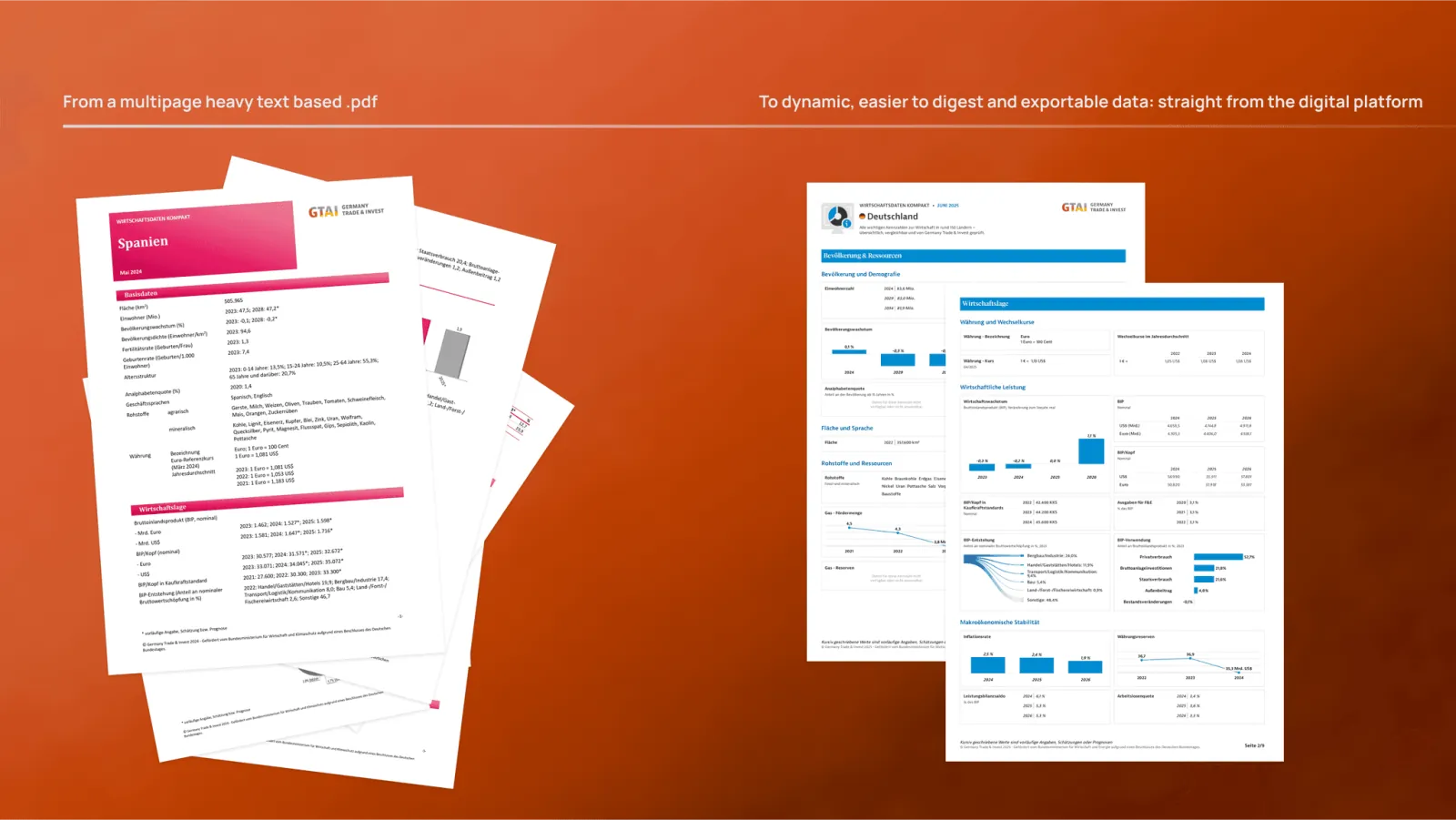
How to Design Data-Heavy Products: Lessons From GTAI's Economic Data Platform
How to turn dense data into clear decisions: lessons from designing GTAI's economic data platform — 150+ countries, 26+ sources, comparison tools and a scalable design system.
The Role of Product Design: A Digital Swiss Knife
What a product designer does, how it differs from industrial design, and how to choose the right designer for your team — by product designer Lander Zaro.